Protect everything.
Offline.
An offline safe for passwords, documents and your estate.
Not just passwords — insurance, what you own and owe, and what your family will need. One encrypted file on your own computer, opened by a password only you have.
$129 once · no account · no subscription · fourteen-day refund
One optional feature uses the internet: price refresh for shares and crypto, which is off in every new vault. Switch it on and it sends ticker symbols and your own API key to the provider you chose, and nothing else. Leave it off and the application opens no network connection at all.
Most people organise their passwords.
Almost nobody organises the rest — and it becomes urgent at exactly the moment the one person who knew is the one person who cannot be asked.
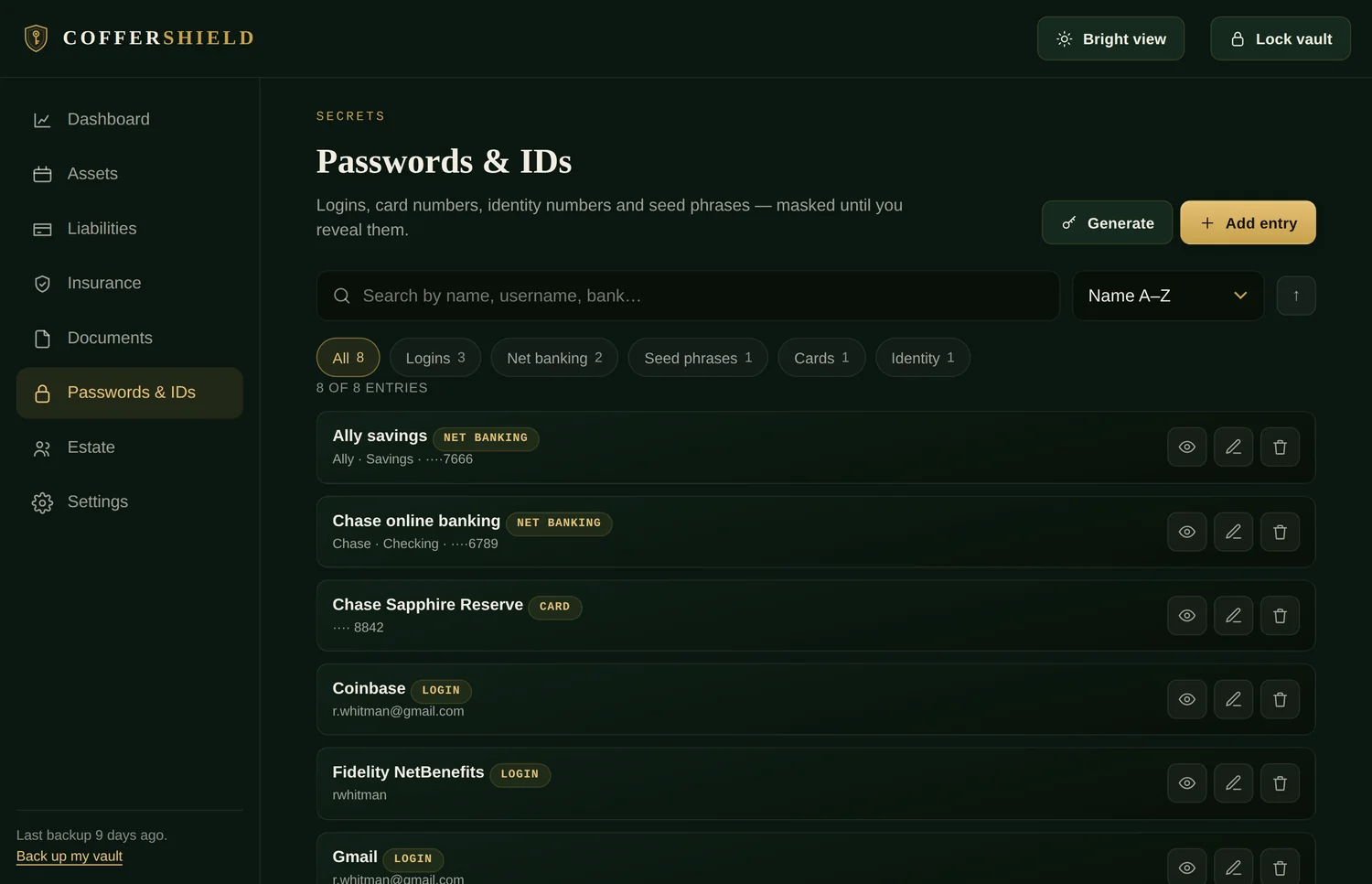
This is the actual application.
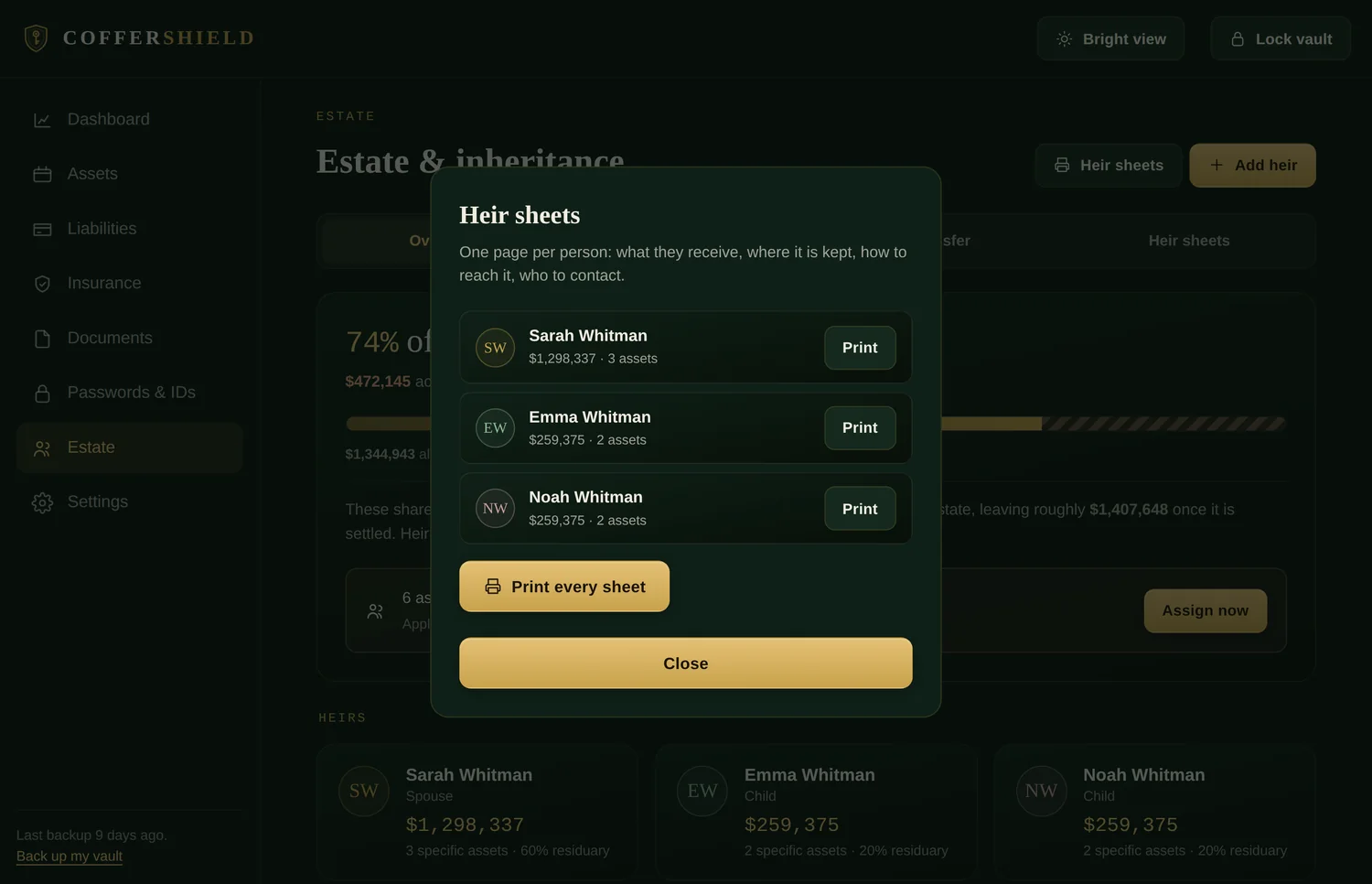
Not illustrations — screenshots of the running app with a demo vault loaded. Swipe through, or open the whole thing in a new tab and click around yourself.
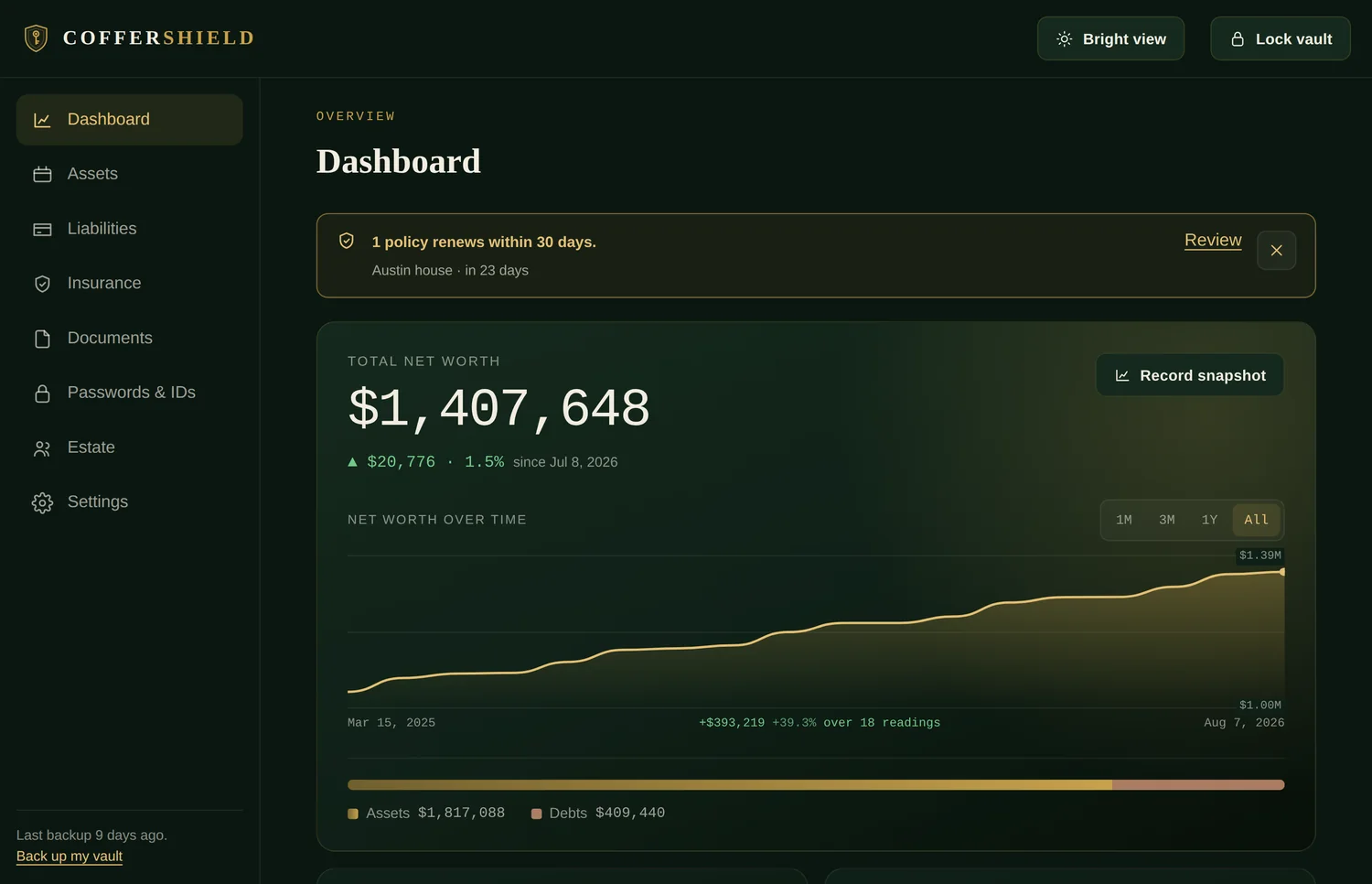
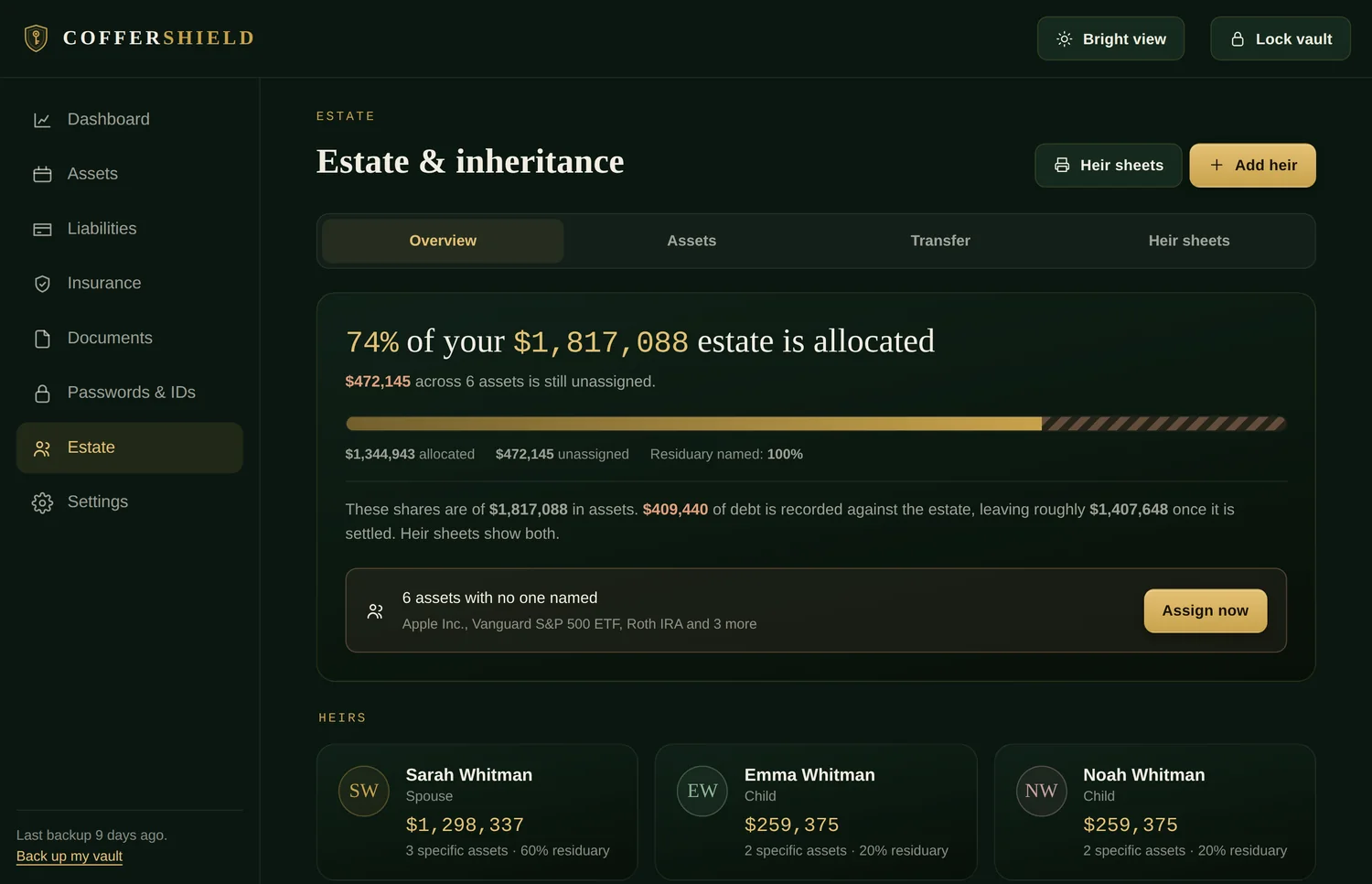
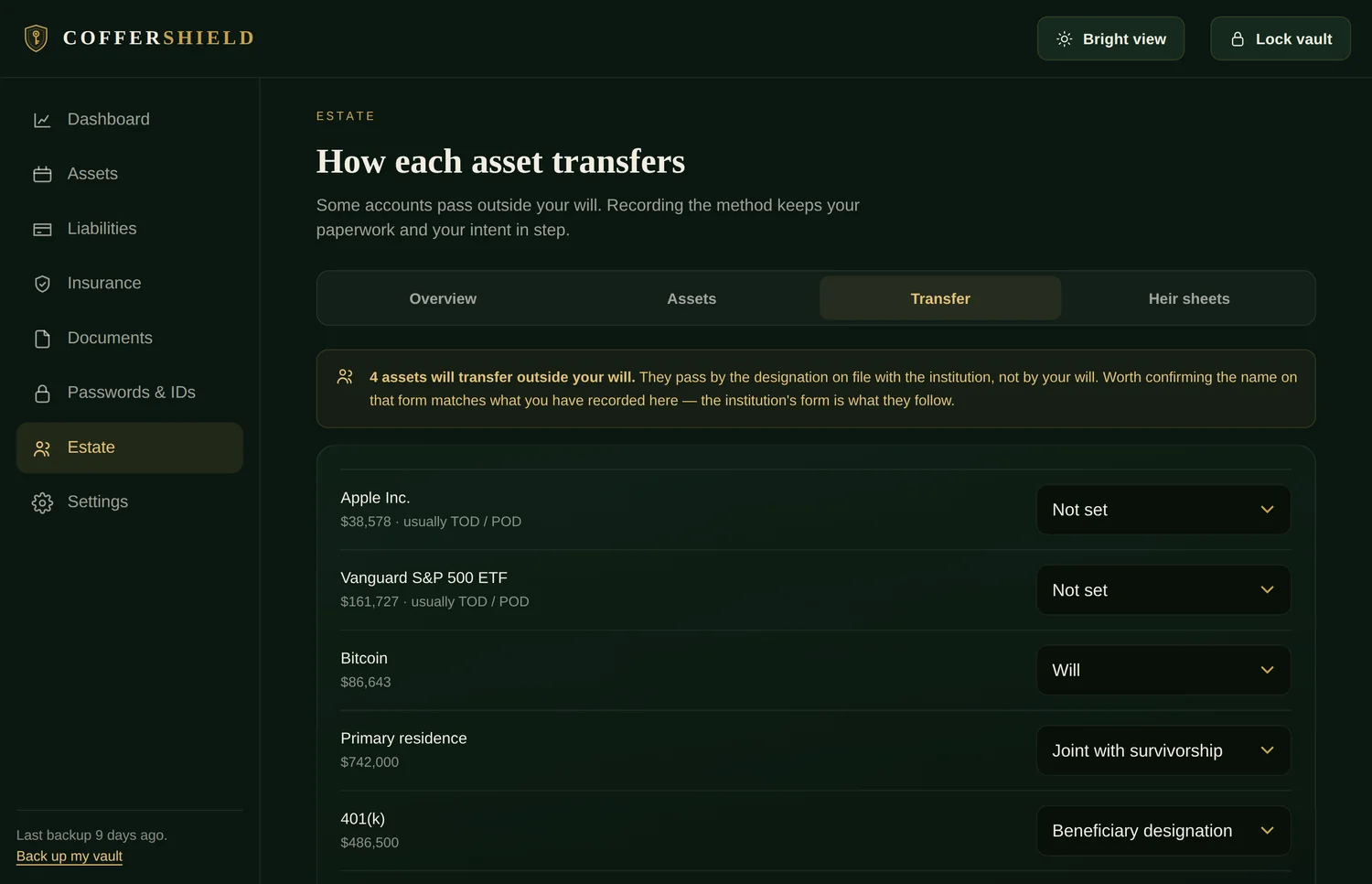
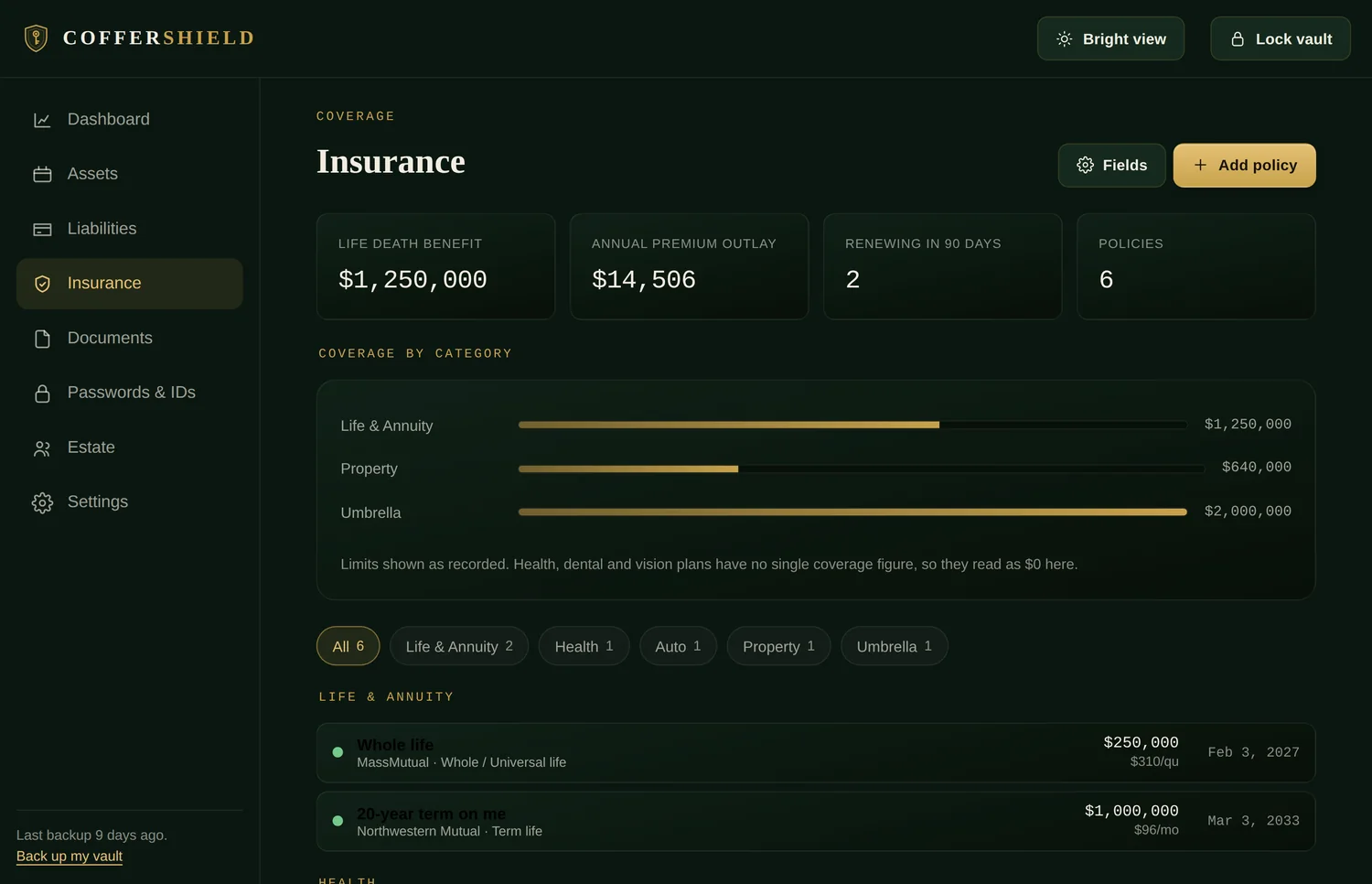
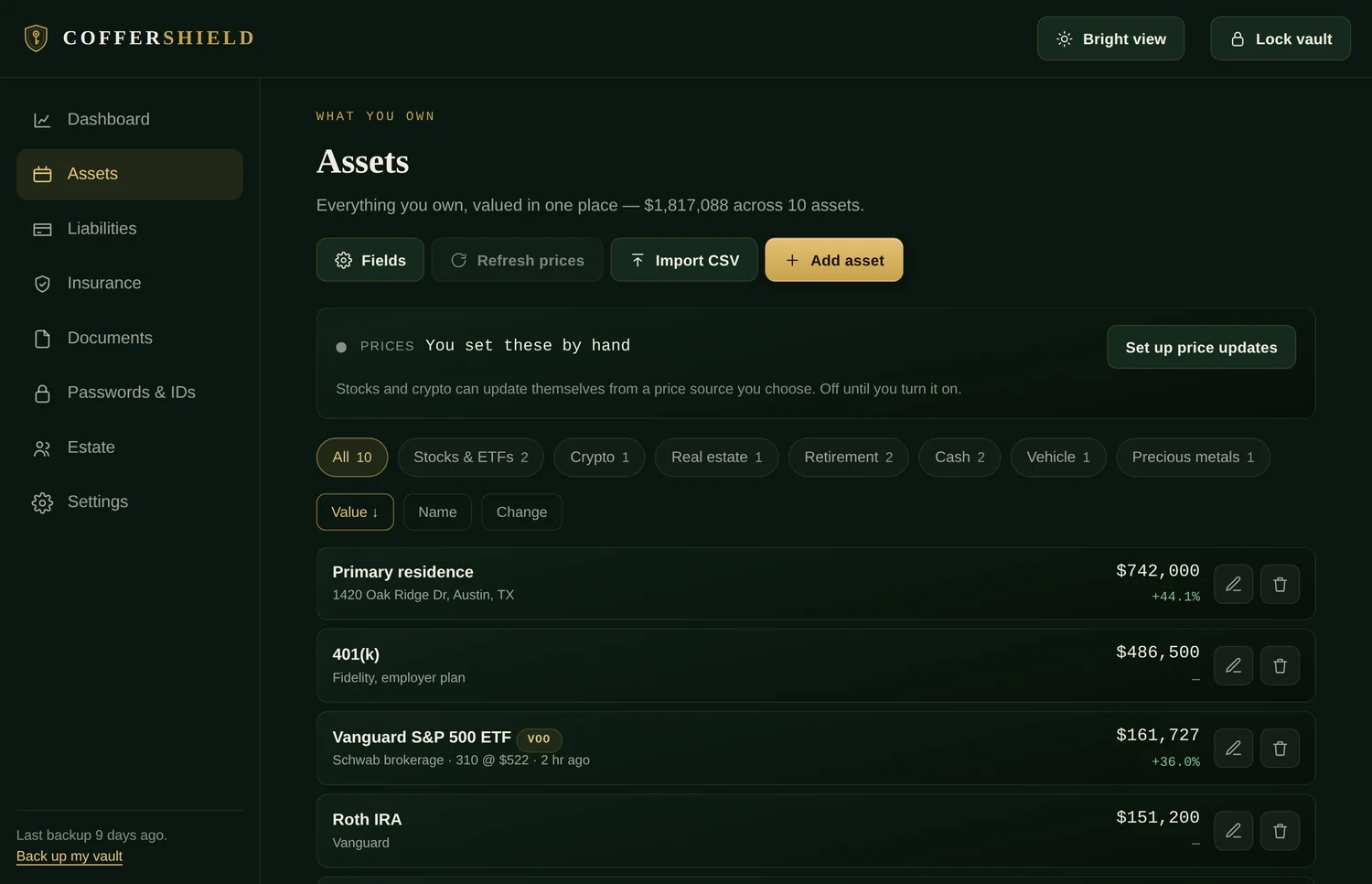
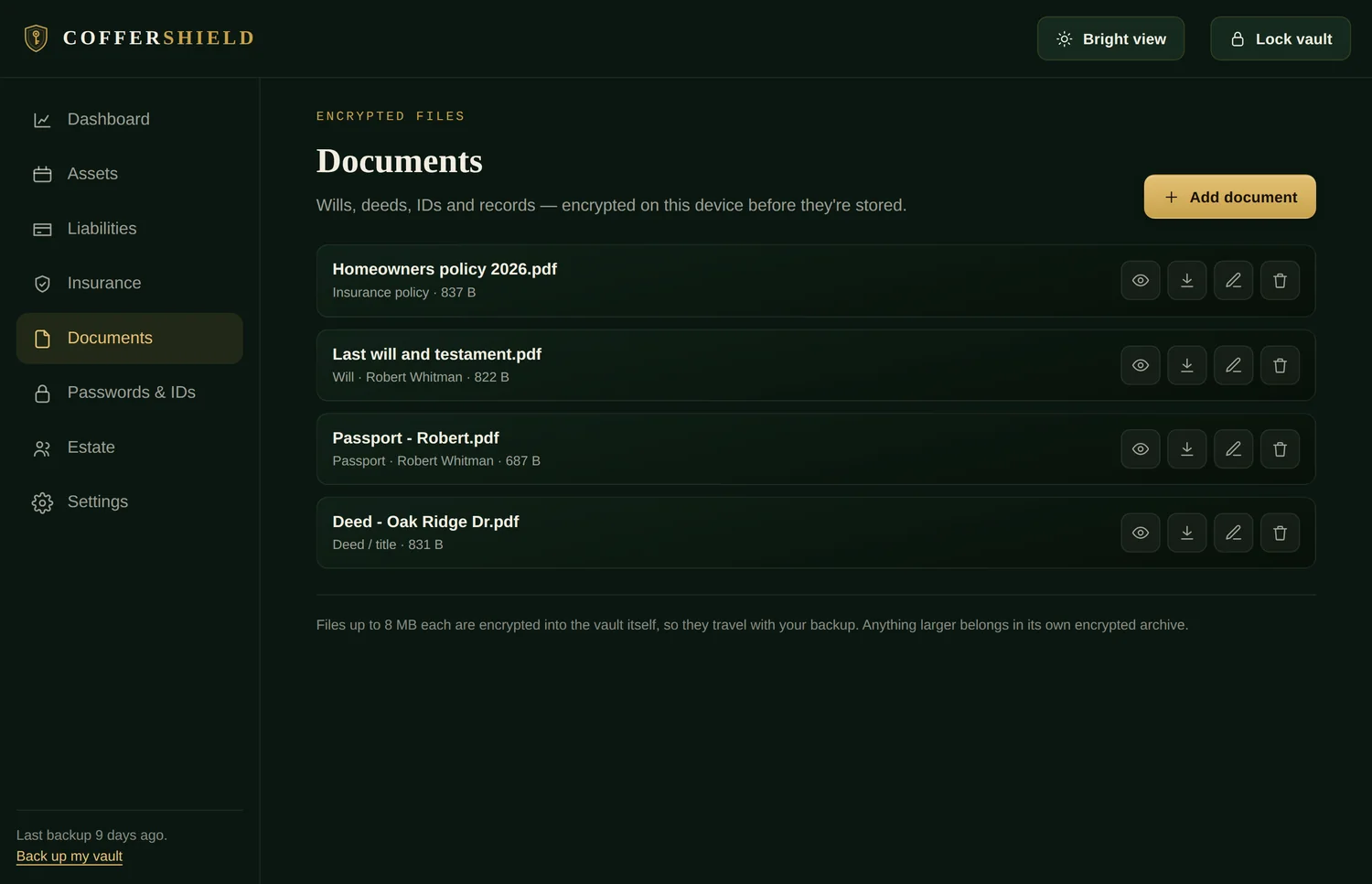
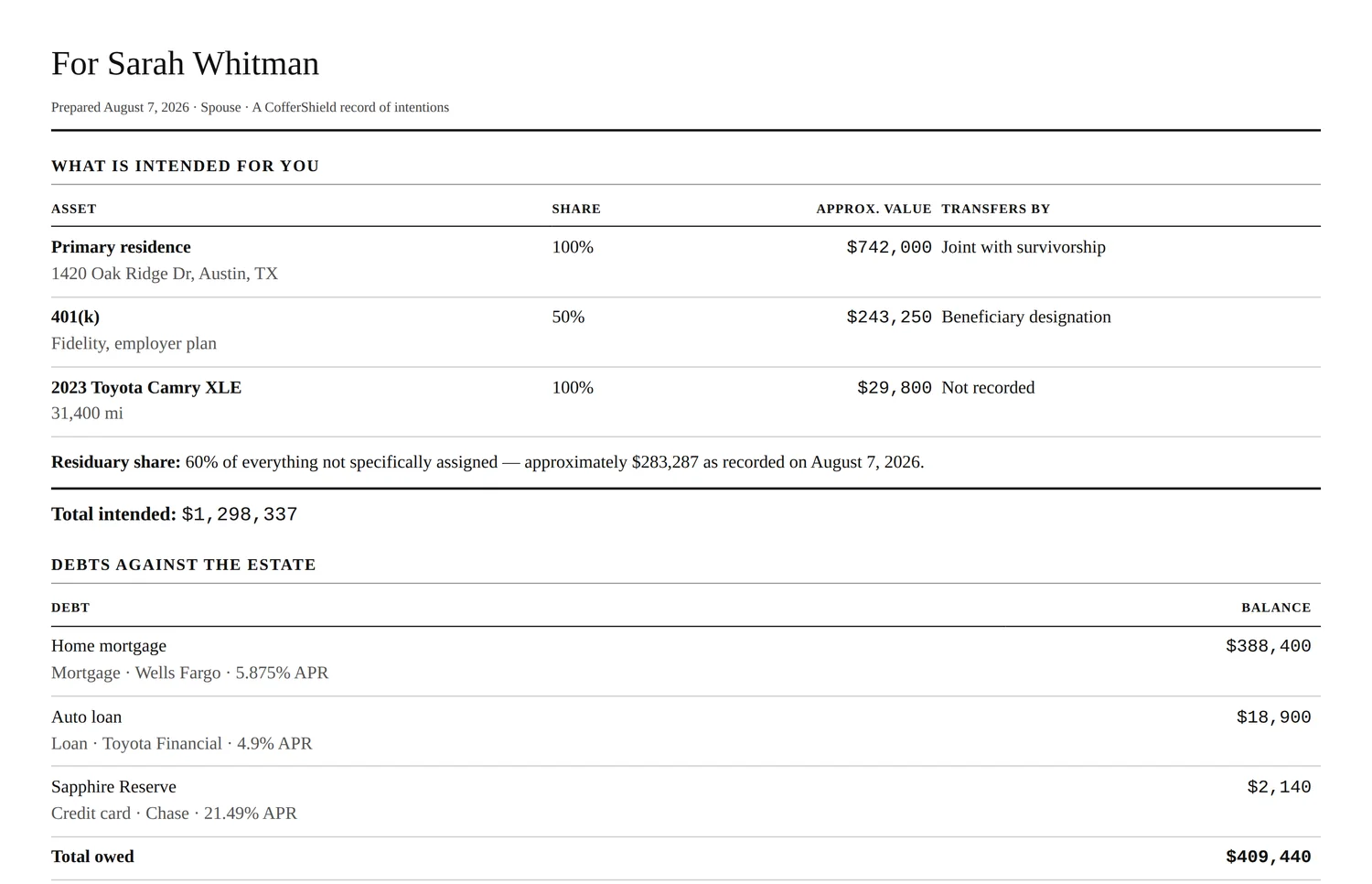
Swipe · or use the arrow keys
Four steps, then it stays out of your way.
Create your vault
Install, choose a master password of six words or more. About a minute. No account, no email to verify, nothing to activate.
Add what matters
Passwords first, because that is the habit you already have. Then the parts nobody else has asked you for.
Everything is encrypted
AES-256-GCM, with your password stretched through 600,000 rounds before it becomes a key. No vault data is sent anywhere — on any setting.
Your family knows
Print the emergency sheet and the heir sheets, set up a recovery route, and it stops being a private habit.
There is no route from the internet to your vault.
Your vault is one encrypted file on your own disk. The app holds the key in memory while you work and discards it when the vault locks. No account system, no server holding a copy, no key on our side — which also means no support route in, for you or for anyone claiming to be you.
Encrypted with AES-256-GCM. Your master password is stretched through 600,000 rounds of PBKDF2-SHA256 — the current OWASP recommendation — before it ever becomes a key.
To be exact about the one outbound case: turning on price refresh lets the app send ticker symbols and your own API key to a price provider on a fixed allowlist. No vault data crosses the network at any point, on any setting.
Both documents are published in full, free, with no email address asked for: the Security Architecture Whitepaper and the 88-page user manual.
There is no password reset. There is a way back.
We cannot open your vault and will never pretend otherwise. What we can do is make sure you set up a route back in before you need one:
Printed when you create the vault. Keep it where you keep your passport.
Split between people you trust. Any agreed number together can open it; one alone cannot.
Any encrypted .coffer file plus the password it was made with.
Windows and macOS. No subscription, no renewal, no tier above this one.
Fourteen-day refund · download link emailed the moment payment clears · nothing to activate
- Every feature — there is no higher tier
- Windows and macOS on the same licence
- Encrypted automatic backups to a folder you pick
- Printable emergency sheet, heir sheets and wallet card
- The 88-page user manual — installed with the app, and free to read now
- Updates to the version you buy
Before you buy, please check it runs on your machine: Windows 10 1803+ / macOS 11+ — the requirements are firm, and we would rather refund you than argue.
Everything you'd want to know first.
No. One payment of $129, and the version you buy keeps working — there is no licence server for it to check in with, so nothing stops if we do.
We cannot recover it, and we will never pretend otherwise. There is no reset, no security question and no support route in — if we could let you back in, so could anyone who convinced us they were you. What there is instead is a route you set up in advance: a recovery key, Shamir shares, or an older backup.
No, and that is deliberate. CofferShield is a desktop application for Windows 10 (1803 or newer) and macOS 11 or newer. Your vault stays on your computer by design.
Only to receive it. After that, unlocking, editing, searching, printing and exporting all work with the network unplugged. The one exception is optional price refresh for shares and crypto: it is off in every new vault, and if you switch it on it sends ticker symbols and the API key you obtained yourself to the provider you chose — and nothing else. No vault data crosses the network at any point. Leave price refresh off and the application opens no network connection at all.
The moment your payment clears we email a private download link. There is no account to set up. If it has not arrived within a few minutes, write to support@coffershield.com.
Fourteen days, no argument. Email support@coffershield.com with your order number and we refund you in full. Full policy.
You are not trusting us with anything — that is the design. There is no server, no copy of your data and no key on our side. Run the demo, pull your Wi-Fi out, open developer tools and count the requests leaving your machine. It is a short count.
Not yet, and we are not going to imply otherwise. An audit is planned and this page will say so, with the report linked, on the day it is true. In the meantime the whitepaper is a self-assessment that says so on its cover, and its Appendix C tells you how to check every claim yourself.
CofferShield is new, so there are no testimonials here yet. We would rather show you an empty wall than invent praise — and the same goes for star ratings, user counts, press logos and certifications.